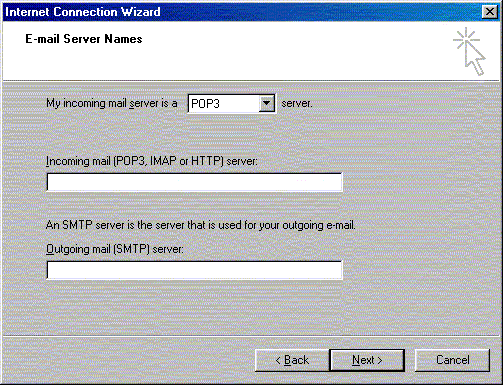
To continue setting up Outlook Express on a Windows system, follow these steps:
- Select POP3 as your incoming server type unless your account information indicates differently.
- Type the address of your incoming mail server, which is pop.horizoncable.com.
- Type the outgoing mail server name, which is smtp.horizoncable.com
- Click Next.