Microsoft Internet Explorer 6 Newsgroup Setup

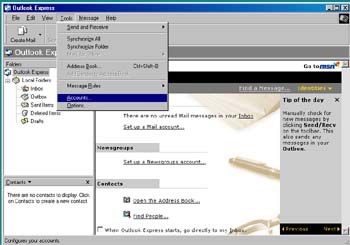
- Click on Tools > Accounts
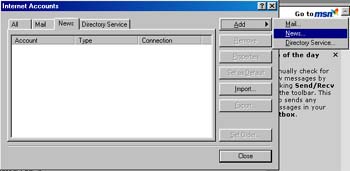
- Click the News tab at the top
- Click Add on the right
- Click News
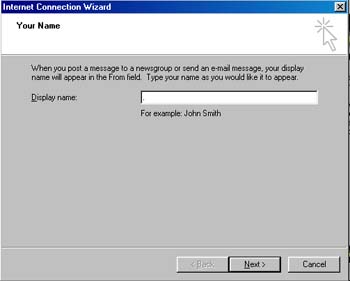
- Enter your Name
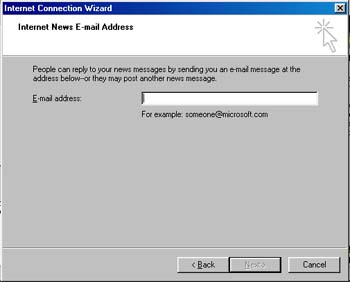
- Enter your email address
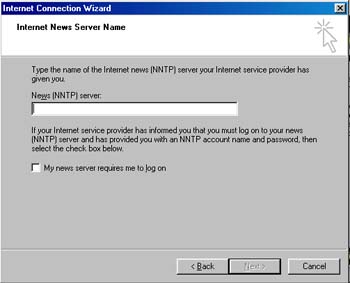
- Enter news.horizoncable.com as the News Server
- Leave My news server requires me to log on UNCHECKED
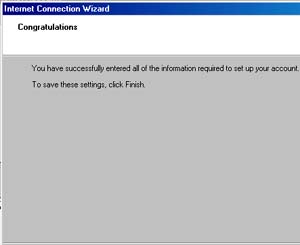
- Click on Finish and close all windows. Restart
your email
program and subscribe to your newgroups