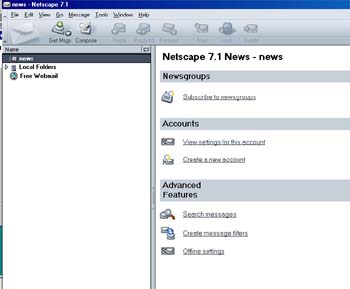
Netscape 7 Newsgroup Setup

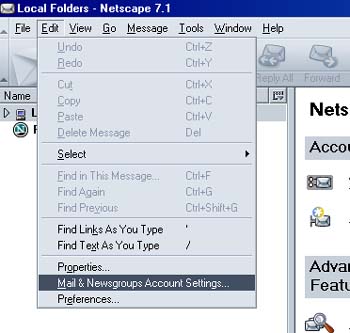
- Click Edit
- Click Mail & Newsgroups Account Settings
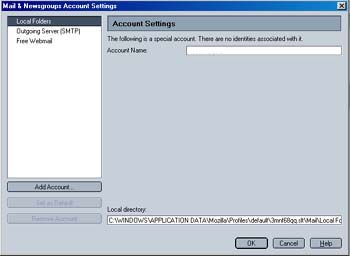
- Click Add Account
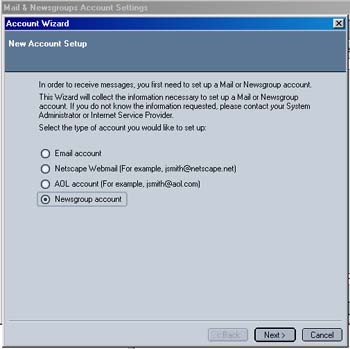
- Click Newsgroup Account
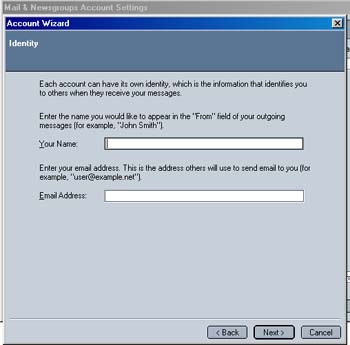
- Enter your name and email address
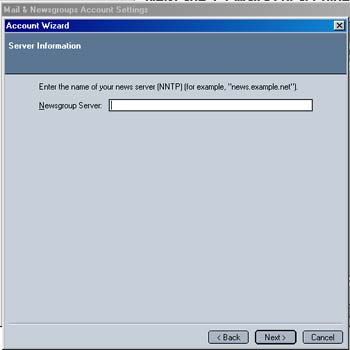
- Enter news.horizoncable.net in the Newsgroup Server area
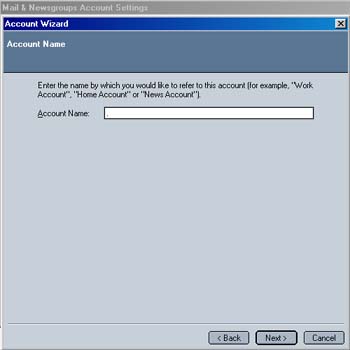
- Enter a name for this account. (ie My newsgroups)
- Click on Next then Click on Finish
- You will see your newsgroup now listed.
- Close your Netscape mail and then reopen it
- Subscribe to your newsgroups